Your videos stay with you
Vintelly never uploads your videos. The Studio reads them in your browser, and you copy them to a USB drive yourself.

Your TV. Your Rules.
Build channels and a weekly schedule from videos you already own, then watch them on Android TV the way TV used to work: switch it on, and something is already playing.
1 Cartoon Classics
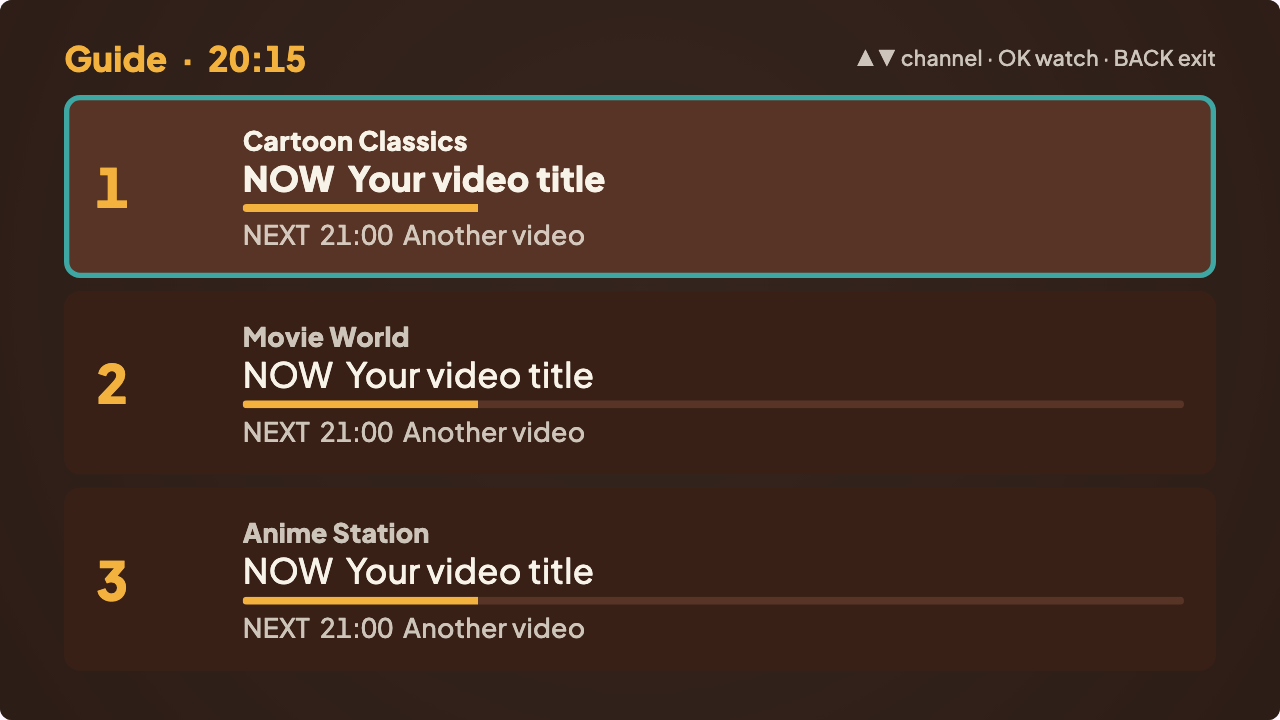
NOW 20:00–20:30 Morning cartoons
NEXT Saturday shorts · on now
Channel 1, Cartoon Classics: Morning cartoons, 15 minutes left
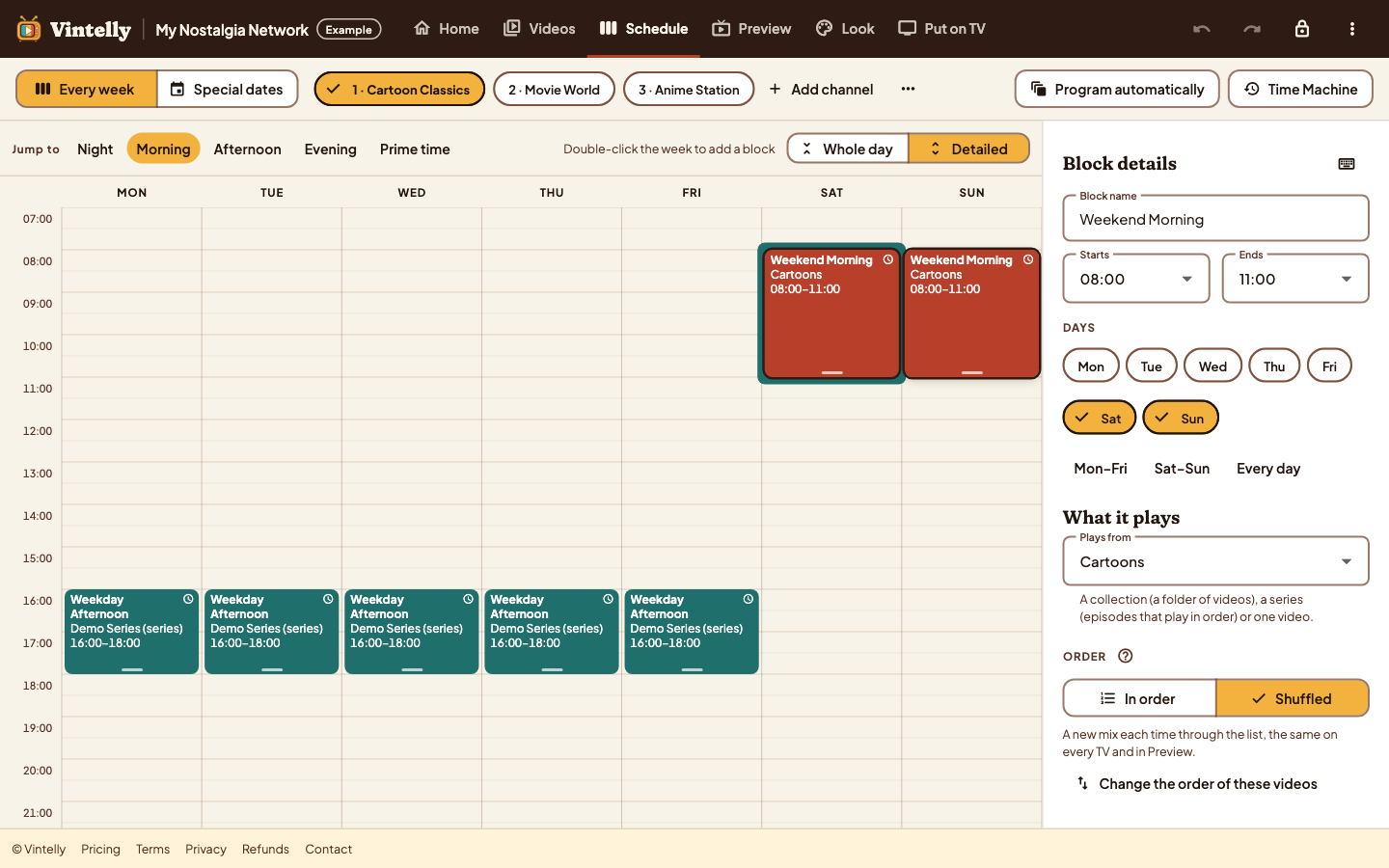
Build channels and a weekly schedule in the Studio, in your browser.
Put your videos and the small schedule file on a USB drive.
Install the app on your Android TV and choose the drive once.
Something is already playing, on a real clock, with a guide.
A Studio in your browser to plan the network, and an app on your TV that plays it. Real screens, shown with an example network.
Studio
On your TV
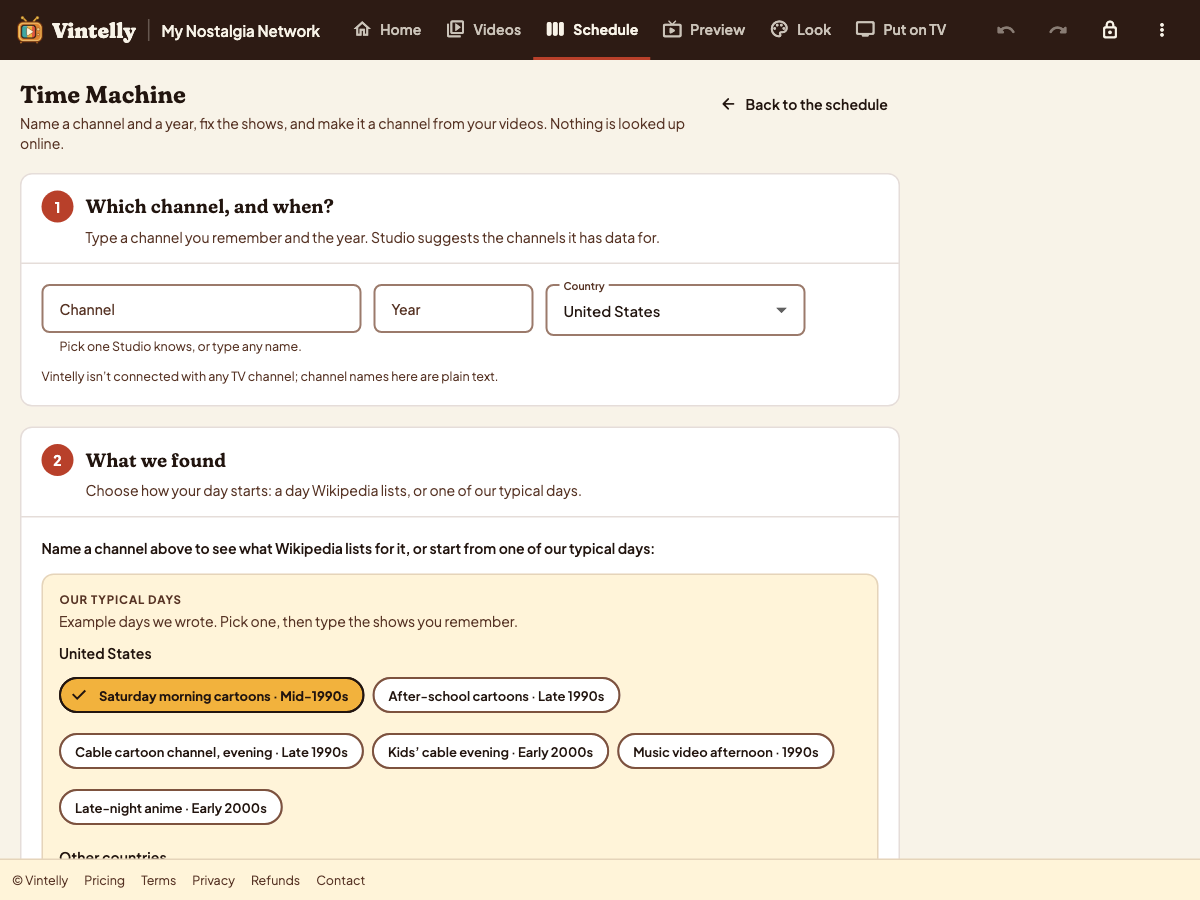
Time Machine
Vintelly never uploads your videos. The Studio reads them in your browser, and you copy them to a USB drive yourself.
Schedules follow the real clock. Tune in at 8:10 and you join the 8:00 programme ten minutes in, just like broadcast TV.
Once your app is set up, watching needs no internet connection, no account check and no subscription.
Cartoons on 1, films on 2, sitcoms on 3. Change the schedule later without installing a new app.
Vintelly doesn't include any shows, films or music. It schedules videos you have the right to use, such as home movies, your own recordings and files you bought without copy protection.
Vintelly is in development. We're testing on real Android TV and Google TV devices now. Prices and a release date haven't been announced. See what we're testing.
No. Vintelly never uploads, streams or stores your videos. The Studio reads them in your browser, and you copy them to a USB drive yourself.
No. Once your app and USB drive are set up, watching works without an internet connection or an account check.
Not directly: the app is for Android TV and Google TV. You may be able to use a compatible Android streaming device connected by HDMI. See device support.
Vintelly starts with Android TV and Google TV. See what we're testing and what isn't supported.